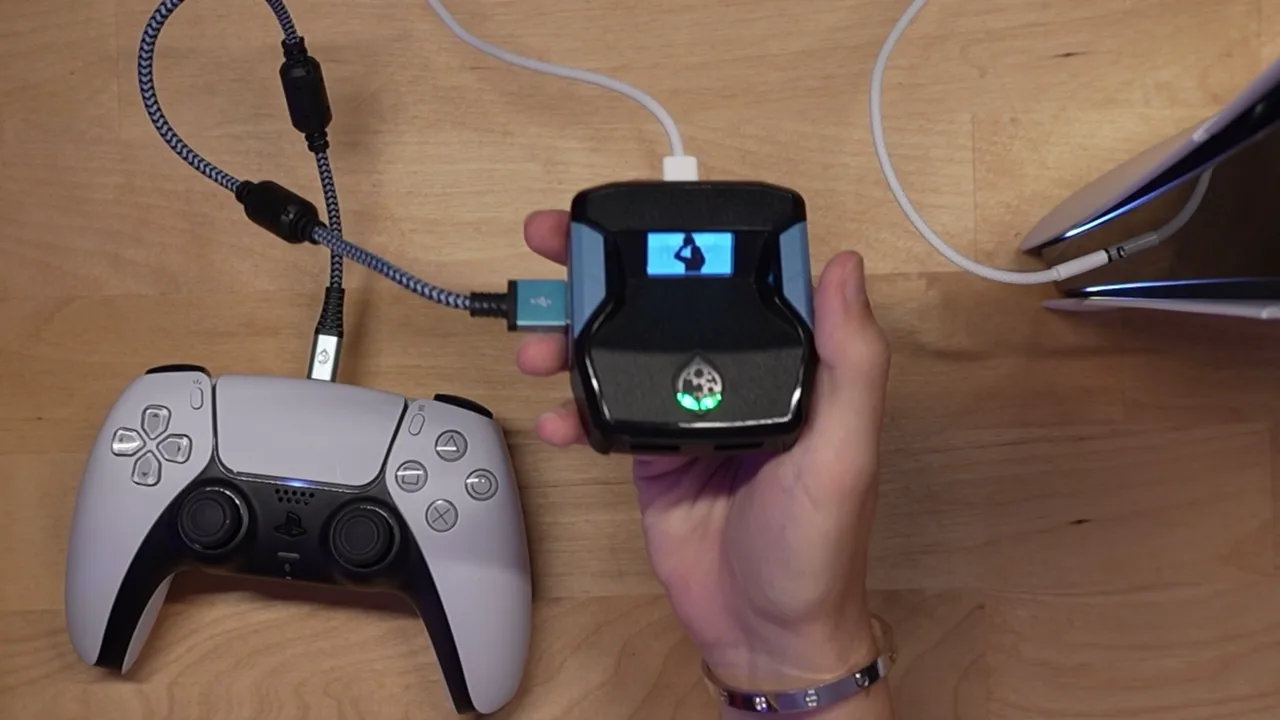
Lights
Red, blue, green, or no light
Do not reset the device because of a color you cannot match to the mode you are in. The maker's status page is the chart. This ticket only uses colors that the current guides actually tie to a state.
Blue
Holding the pairing control puts the LEDs in a blue flash while the Zen looks for a Bluetooth pad. They stop flashing when that pair completes. A blue flash during a firmware update is a different moment. If you were not pairing and you were not updating, do not treat blue as a diagnosis. Say what you were doing, then use the PC ticket.
No light
No light at all is power. Try the cable, the port, and another USB source. A black LED after PS plus L2 is the kill switch on that chord. PS plus R2 is the chord that brings it back. A dark screen with a light still on is the display ticket: reset, and if the screen stays blank, a firmware reflash, then a hardware fault if the reflash does not restore it.
Red and green
Green is used in the PS5 notes for a native Zen Link route that has come up. It is not a universal 'all good' for every console. Red is not given a single meaning in the pages this desk will stand behind. If you are about to hold buttons because a forum said red means one fault, stop. Note the mode, the port, and whether Studio can see the device. Those three close more tickets than the color does.
Read the color before you reflash
A light is a state, not a moral judgment. Blue while you hold the blue button and connect is the bootloader, which is what an update wants. Blue flashing during a write means leave the cable in. No light at all is power: cable, port, or a device that was switched off.
The kill switch is PS plus L2. That turns the device off and the LED goes black. PS plus R2 turns it back on. People hit that chord by accident and then open a firmware ticket. Try R2 with PS before you decide the Zen is dead.
A blank OLED with a light still on can be a script that has not drawn, or a device still booting. Give the boot logo its moment. About a second and a half is the long logo people interrupt. If the screen stays blank after that and Studio can still see the device, you are not in the PC ticket anymore. You may be looking at a script that never paints.
Green and red show up in arguments online with three different legends. This ticket will not assign a new legend. If the maker's own note names a color for the mode you are in, trust that note over a clip. If you cannot find one, describe the color in the mail instead of guessing a repair.