Pads
Controller drops, Edge, headset, mouse
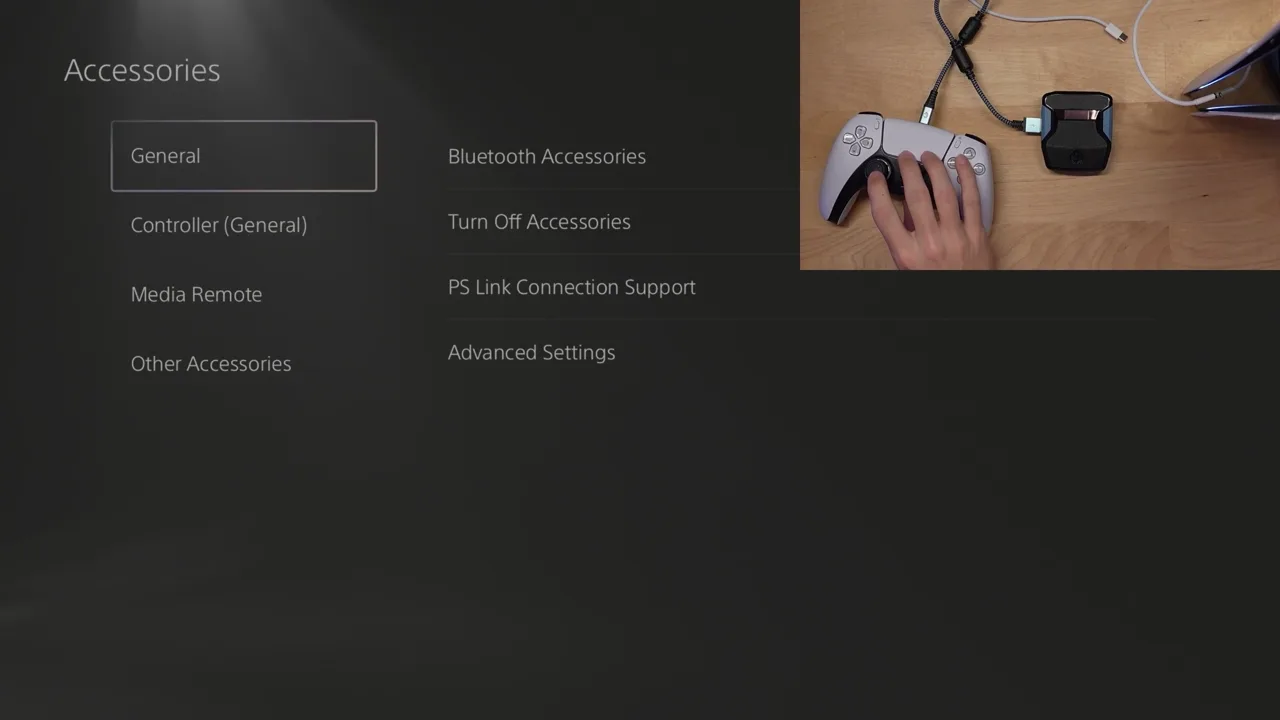
The controller has to sit on a port the mode supports. Start with A1 and a data cable, and use a pad the console path supports. If the Zen is visible and the pad is not, swap the pad cable before you reflash.
It connects, then leaves
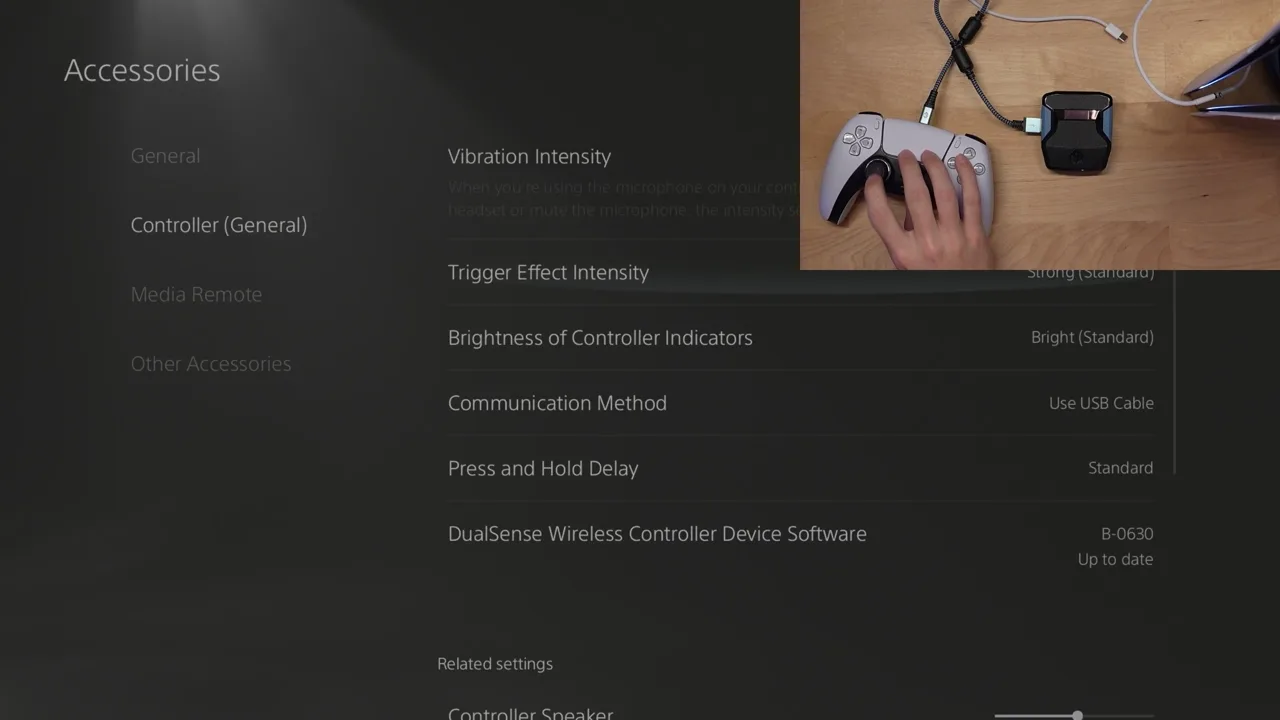
Random drops are power, cable, or a hub. On a PC, use a powered hub if you must use a hub at all. Prefer the cable over Bluetooth while you test. A DualSense that disconnects from a PS5 after a few seconds is the known no-route behavior: native PS5 play on the current maker guide uses Zen Link, and that guide marks the older bypass as no longer supported. An Edge that fails the same way needs the Edge layout in those notes: pad on A2, Zen Link on A3, and the Edge profile actually loaded.
Headset, Xbox, mouse
A headset that goes quiet is often the audio path, not the script. Use the controller's headset jack route and a second data cable. A Zen that enumerates as a headset on PS5 is a known route mix-up. Boot from an empty slot first and try another data cable. Xbox Series silence is the output protocol, the cable, and the pad type. Mouse and keyboard need MnK mode and a device that mode lists. Plugging a keyboard into A1 does not switch modes for you.
A pad that leaves after a few seconds
On PS5, native play uses Zen Link. The old bypass is marked no longer supported in the maker's guide. DualSense and DualSense Edge (the CFI-ZCP1) are on the supported list. With Edge and Zen Link, the pad goes in A2 and Zen Link in A3. PS5, the Digital edition, and the Pro are the consoles that path is written for.
Haptics, adaptive triggers, the touchpad, gyro, and a headset need Zen Link. A DualSense on Bluetooth drops those. If the pad connects and then the advanced features die, you are on the Bluetooth path, not a broken Edge. A disconnect after a few seconds is still often the cable or the port, so reseat A1 or A2 before you blame the console.
Xbox Series X and Series S are supported. The Series table says USB or the Xbox wireless adapter. Bluetooth is not that wireless path. Elite Series 2 is on the controller list. There is a conflicting note elsewhere about Elite Bluetooth. Follow the Series table: adapter, not Bluetooth. This ticket will not call that conflict a yes.
A headset that makes the Zen look like an audio device on PS5 is a routing symptom, not a script. Zen Link is the documented way those features are supposed to pass. Mouse and keyboard are a different mode, and they are not a fix for a DualSense that will not stay connected.