Recover
Factory reset and a Zen that will not respond
Factory reset is the menu path that wipes slots and the settings stored on the device. Open the device menu, run the reset, and expect to program the slots again. Do this when the device responds and the configuration is the problem. Do not do it as the first step when the computer cannot see the Zen at all.
No response
A unit that will not enumerate goes to bootloader: hold the blue button while connecting, then reflash the maker's current firmware and leave the cable seated. If it is stuck in bootloader, replug without the blue button. If it returns to bootloader every time, reflash. Firmware 0.0.0 uses that same path.
A Zen that will not turn on is still the port, the cable, and power draw. Test another cable and another USB source before you call it dead. Changing slots, when the device is alive, is the slot buttons on the case. Some setups also offer a remote slot change. The buttons are the one that does not depend on a script.
To tell a cable fault from a device fault, swap one known data cable onto a second computer. If both computers miss it, the cable or the Zen is at fault. If only one computer misses it, that computer's port or browser is the ticket, and you are back on the PC page.
Bring it back before you reload scripts
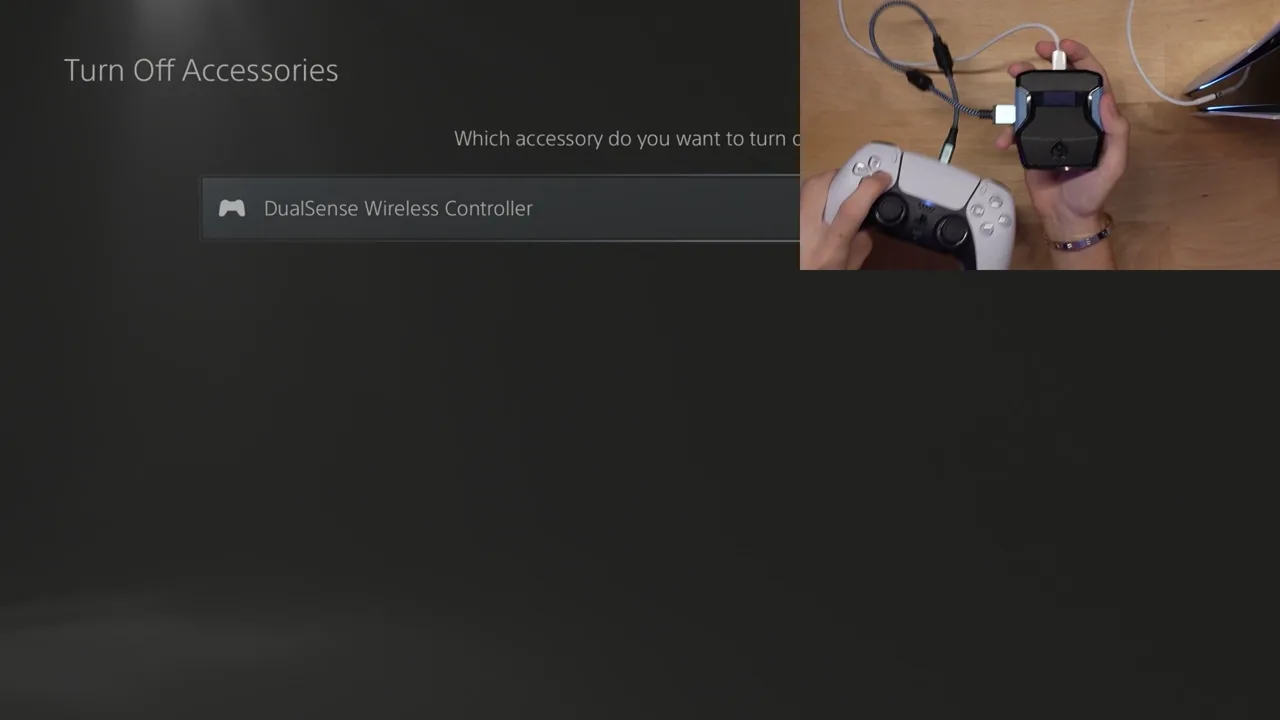
A hard stop is the kill switch: PS and L2 off, black LED, PS and R2 back on. Do that before a factory conversation. A lot of "won't turn on" mail is that chord.
If it still will not enumerate, use the bootloader. Hold the blue button, connect, update from the maker's current file, leave the cable. 0.0.0 is an interrupted update, and the recovery is to finish one. Pulling the cable because the bar looked stuck is how the zero comes back.
Factory reset, when the maker's note describes one, wipes what you programmed. Do it after the device is visible, not instead of getting it visible. You will program the slots again afterward. There is no cloud copy on this desk.
Slots are changed on the device once it is alive. Learning the slot button while the LED is black wastes the afternoon. Get a light, get a name, then move slots.
Wake it before you talk about a reset
PS plus L2 is off, black LED. PS plus R2 is back on. Try that before any factory story. If it still will not show in Studio, hold the blue button, connect, and finish the maker's current update. 0.0.0 is an interrupted flash, and pulling the cable is how it returns. A factory wipe, when their note describes one, comes after the device is visible, and you will program the slots again. There is no copy of your scripts waiting on this desk.